Offline first
Save video and audio for flights, commutes and unreliable Wi-Fi. Playback never needs the server that served it.
 OmniHub
Keep the videos and courses you have access to on your own device — with transcripts, notes, bookmarks and progress that travel with you.
Android installs from an APK and updates itself in place.
A player and a library, not another streaming account. Everything you save stays on your device.
Save video and audio for flights, commutes and unreliable Wi-Fi. Playback never needs the server that served it.
Search every lesson for a phrase and jump straight to the moment it was said.
Timestamped notes and bookmarks that return to the exact second, kept next to the lesson.
Move your library between the desktop and Android apps over your local network. No cloud account, no upload.
Read along with subtitles, generate them from the audio, and translate with your own Ollama endpoint if you run one.
Your licence is a key checked on the device. Nothing about your library is sent to us.
One library on both apps. The desktop manages it; Android takes it with you, offline.
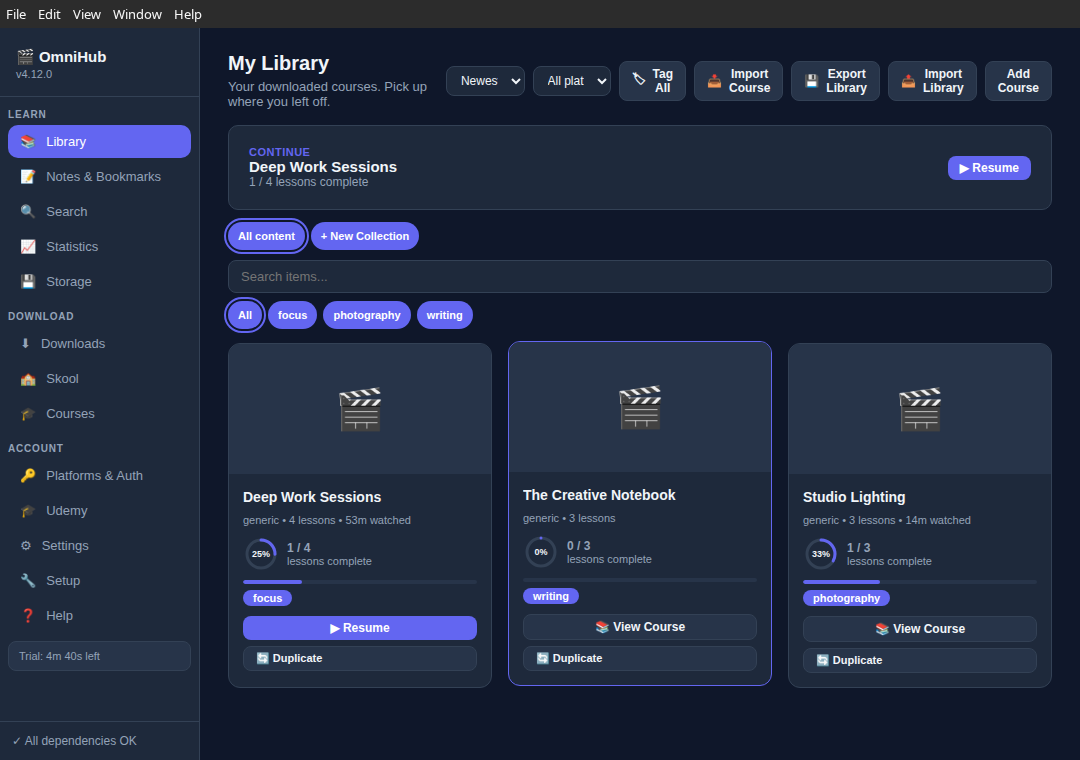
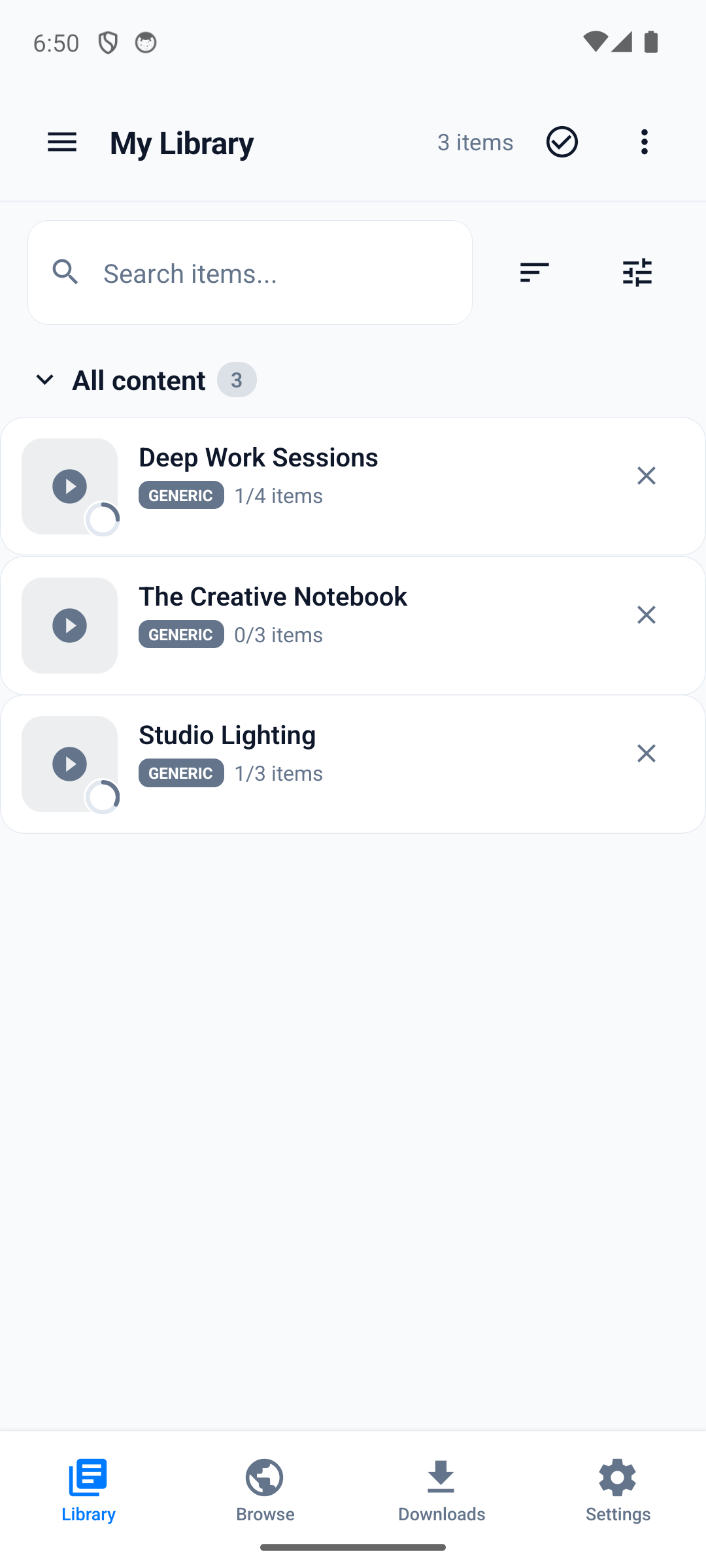
US$39 Standard, once
Try every feature for five minutes of active use, then unlock downloads and playback. Standard includes the offline library, notes, bookmarks, podcasts and Wi-Fi sync on desktop and Android, for as long as you keep using them.
US$59 Pro, once
Pro adds the features that run against your own Ollama endpoint: subtitle translation, automatic tagging and generated subtitles.
Refunds within 14 days, from the address you paid with. See the refund policy.
The Android build installs from an APK; Android asks you to allow installs from this source the first time, then updates arrive inside the app. The desktop build is a Linux AppImage or .deb.
Release notes and older versions live on GitHub Releases.